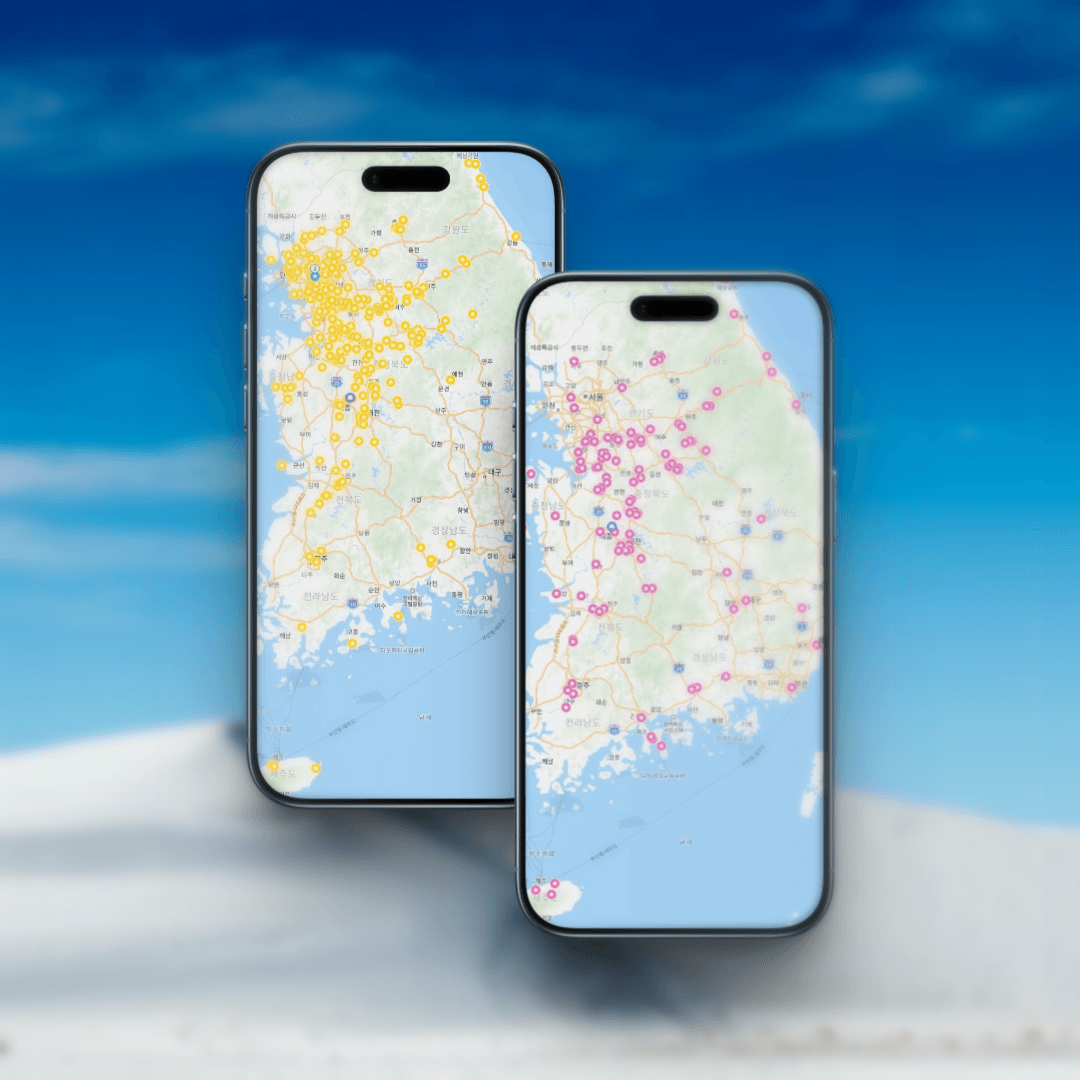
Hey there, fellow travelers! 🎒
Are you planning your dream trip to Seoul? You’ve probably got your suitcase packed and your flight booked. But there is one thing that might surprise you when you land: Google Maps doesn’t work well in South Korea.
Wait, what? Yes, you read that right. Because of local security laws, Google Maps is like a “frozen map” here—it won’t give you walking directions or real-time bus info.
But don’t worry! I’m here to introduce you to your new best friend: Naver Map.
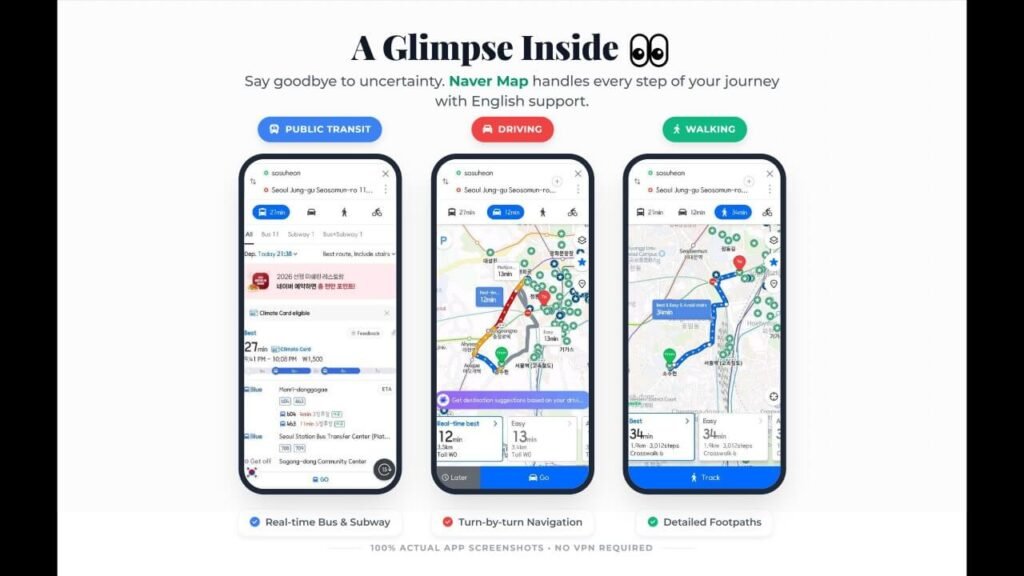
In Korea, Naver Map is the king. It’s the “Digital Sherpa” that will guide you through the tiny alleys of Hanok villages and the complex subway systems.
- Real-Time Everything: You can see exactly when your bus is arriving (down to the second!).
- Walking Directions: Unlike Google, Naver tells you exactly which exit to take and which alley to turn into.
- Up-to-Date Info: Want to know if that cute cafe in Seongsu-dong is open? Naver Map has the most accurate business hours.
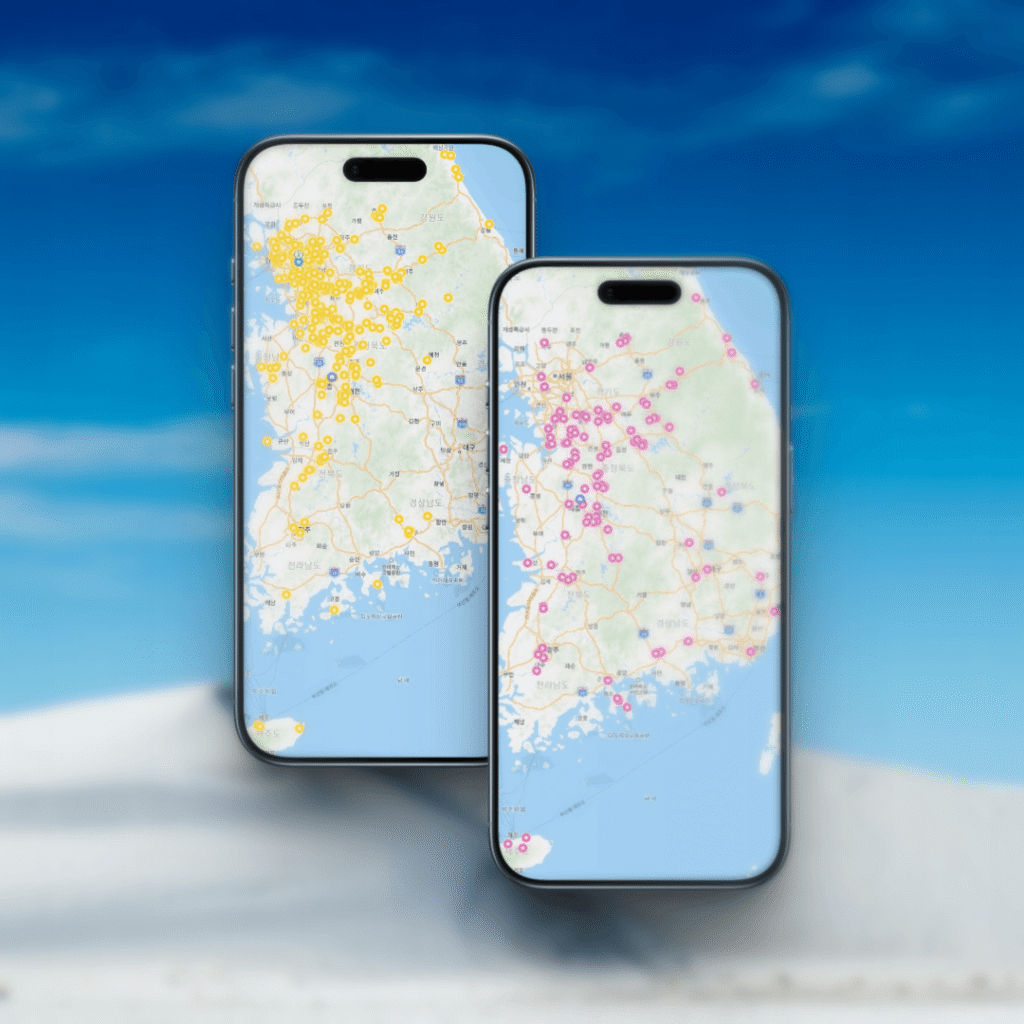
Now, I have to be honest with you. There is one small “speed bump” you need to know about.
To get the most out of the app—especially if you want to save (bookmark) my curated “Secret Map” or create your own list of must-visit restaurants—you need to log in with a Naver account.
- The Pro: Once you log in, all your saved spots are synced. You can access your “Interactive Map Pack” anytime on your phone.
- The Con: Creating an account can feel a bit like a chore for a short trip.
Local’s Advice: Even if it’s a bit annoying, I highly recommend creating a Naver account before you arrive. It makes navigating much smoother when you’re actually on the street!
🚶♂️ How to Use It Like a Pro
- Set to English: Go to settings and change the language to English. Most major spots are now translated!
- Use the “Track” Feature: Since Seoul has many hills and stairs, use the walking navigation to find the easiest path.
- Check Taxi Fares: Planning to take a cab? Naver Map will show you the estimated fare so you don’t have to worry about overpaying.
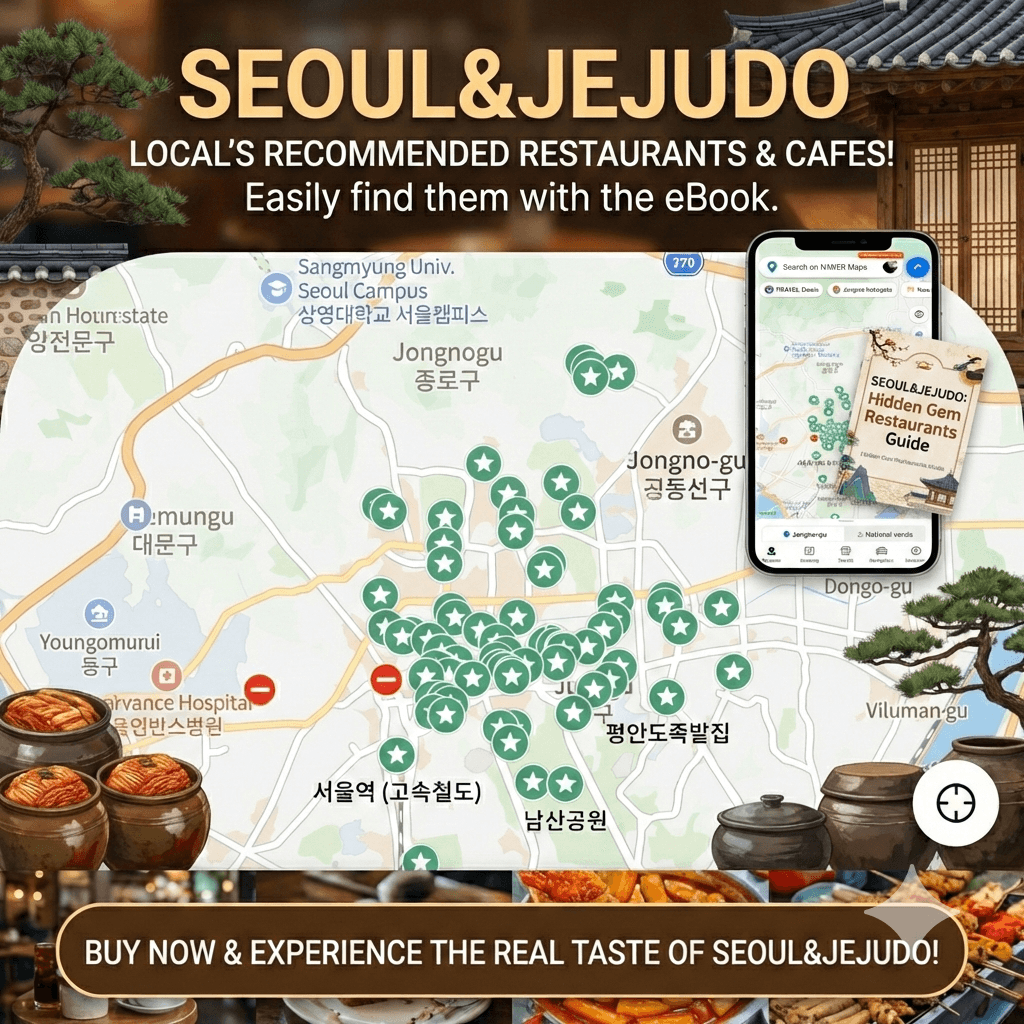
By the way, you can also purchase my exclusive Naver Map Pack to make your trip a breeze!
💡 Local’s Pro Tip: The “Save” Button
If you have my Interactive Map Pack, don’t just click the link! You must hit the “+ Save List” button while logged in. If you don’t, the map might disappear when you close the browser. Make it yours forever with one click!
Final Thoughts Getting lost is part of the adventure, but getting really lost isn’t fun. Download Naver Map, set up your account, and you’ll be navigating Seoul like a local in no time!
Are you having trouble setting up your Naver account? Or did you find a hidden gem using the map? Let me know in the comments, and I’ll help you out!
Oh! Wait a second!! Have you heard of Korean convenience store ‘Honey Combos’?? You’ve gotta check this out!
Happy navigating! 🗺️✨